
Find your text size
Use the slider and preview to choose a comfortable reading size.
A view that works for you
Give the details room to breathe. Adjust text, appearance, and contrast to suit the way you read.
TOURGUID STORIES / 08 OF 09
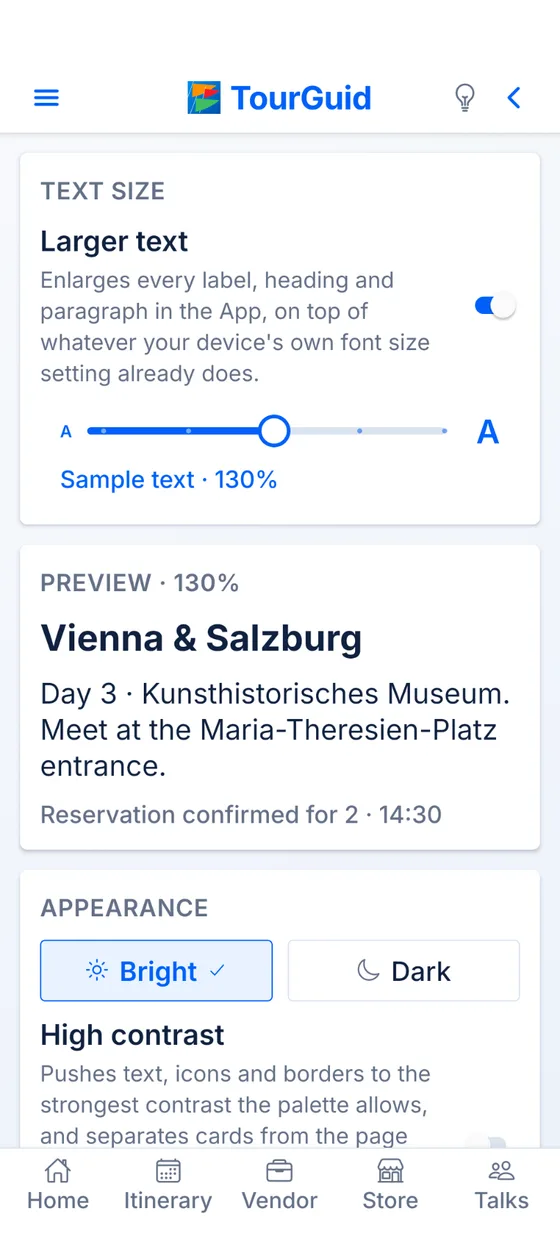
A meeting point. A reservation time. The name of the place you’ve been looking forward to. When you’re traveling, being able to read the details comfortably matters.
TourGuid gives you ways to shape the view. Enlarge labels, headings, and paragraphs with the text-size control. Choose Bright or Dark appearance. Turn on High contrast to make text, icons, and boundaries more distinct.
Travel together / 08
High contrast strengthens text, icons, and borders, separates cards by tone, and replaces muted secondary text. Larger text works on top of your device’s own font-size setting, with a preview to help you choose. TourGuid works with VoiceOver and TalkBack, and its colors are checked against WCAG 2.2 AA contrast.
New in version 1.7.2, Easy View gives older travelers one big-print screen with what is happening Now and Up Next, I’m Lost, Call Leader and the Whole Day. Switch it on from the side menu.
Spend your attention
on the journey.
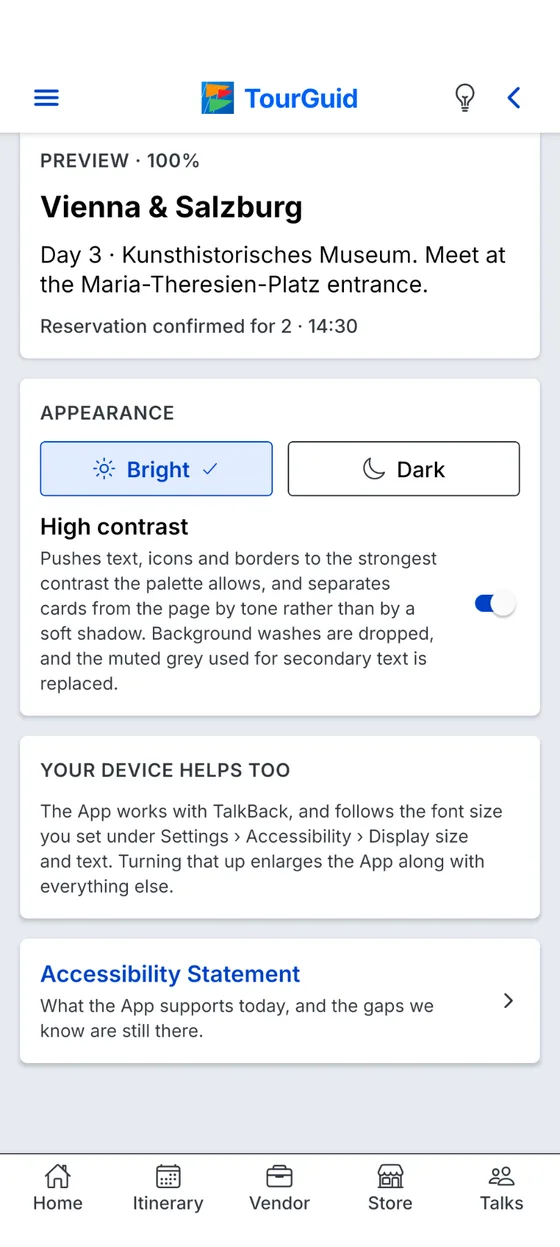
Use the slider and preview to choose a comfortable reading size.
Switch between Bright and Dark modes.
Make text, icons, and card boundaries stand out.
Get the app
TourGuid is live on the App Store and Google Play. It is free to download and use, with optional TourGuid Plus for Smart Scan, Email Import, Do It For Me, Meeting Point and no ads.
See the important features · Questions? admin@tourguid.net
