
Choose your language
Set the language used throughout the app.
Familiar details. New horizons.
New places to discover. Familiar words, dates, and details to guide you.
TOURGUID STORIES / 07 OF 09
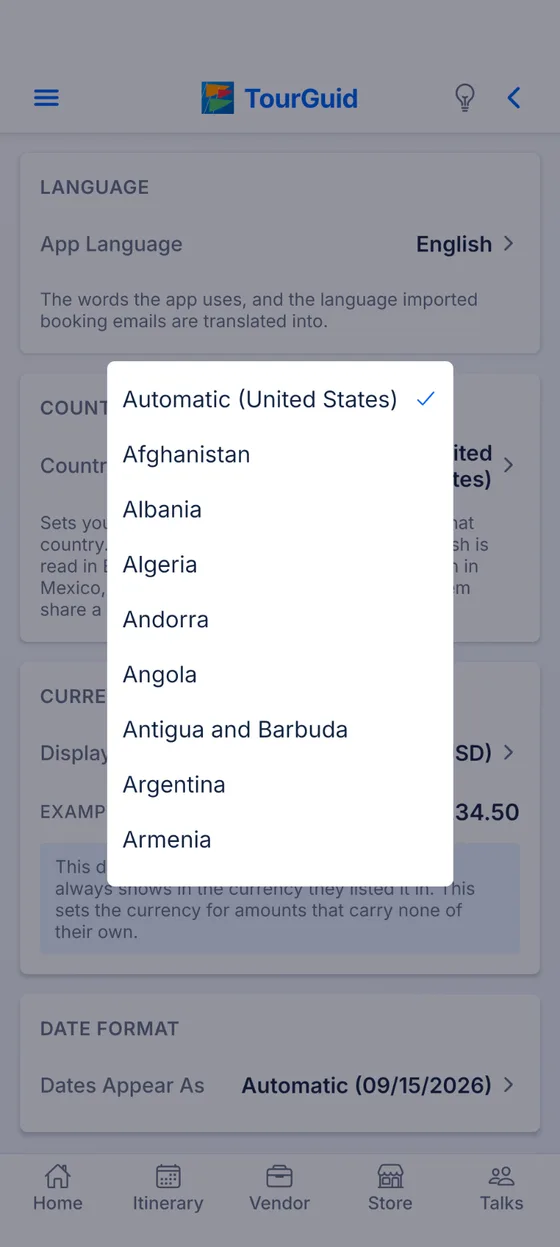
A trip can take you somewhere entirely new. Reading the plan should still feel familiar. TourGuid lets you choose from thirty languages, including the language imported booking emails are translated into.
Locals and visitors can read the same trip in a context that makes sense to them. Familiar language, currency labels, dates, and times make the details easier to understand together. Language and country are separate choices. Keep the words you prefer while choosing the country or region that sets your currency and usual date order. Then fine-tune how dates and times appear.
Travel together / 07
Choose from thirty languages, from English, Spanish and Chinese to Hindi, Arabic, Swahili and Korean. Your choice sets the dates, times, numbers and currency labels you see, and the language imported booking emails are translated into. App text is translated in thirteen languages today (English, Spanish, French, German, Italian, Portuguese, Indonesian, Malay, Filipino, Thai, Chinese, Japanese and Korean), and any screen not yet translated appears in English.
Explore somewhere new.
Keep the details familiar.
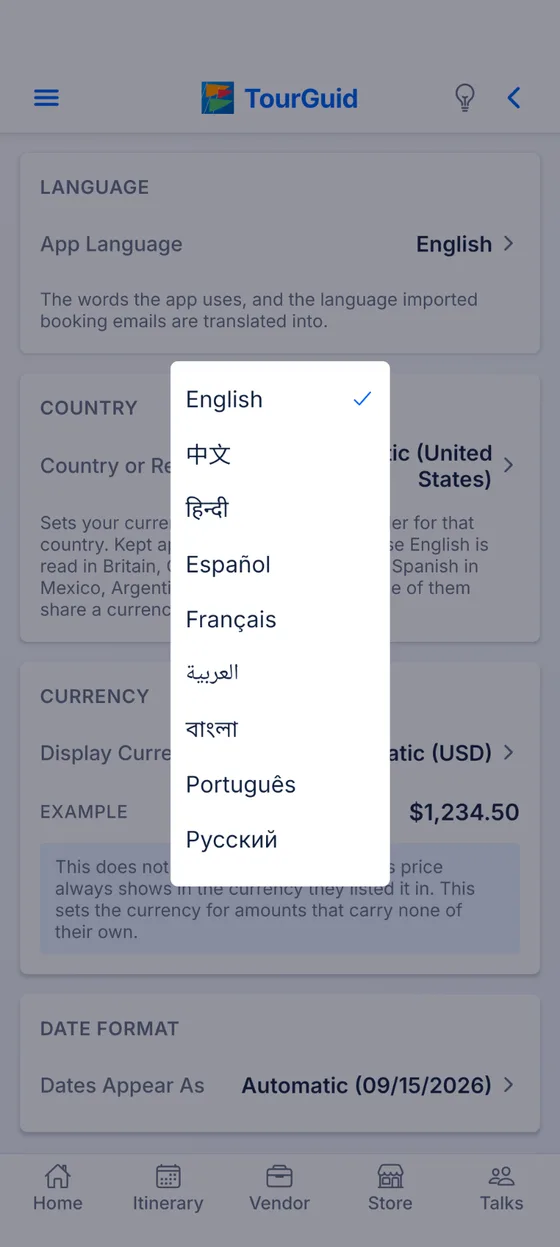
Choose a region without changing the language you prefer.
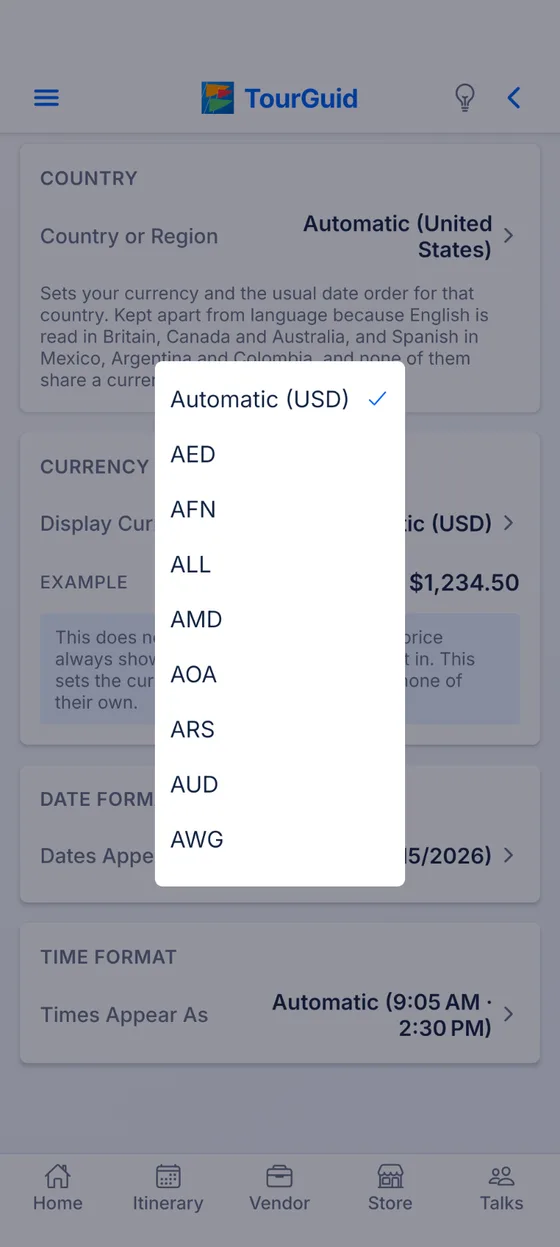
Display currency applies to amounts without their own currency. Vendor prices stay in the currency listed; this setting does not convert prices.
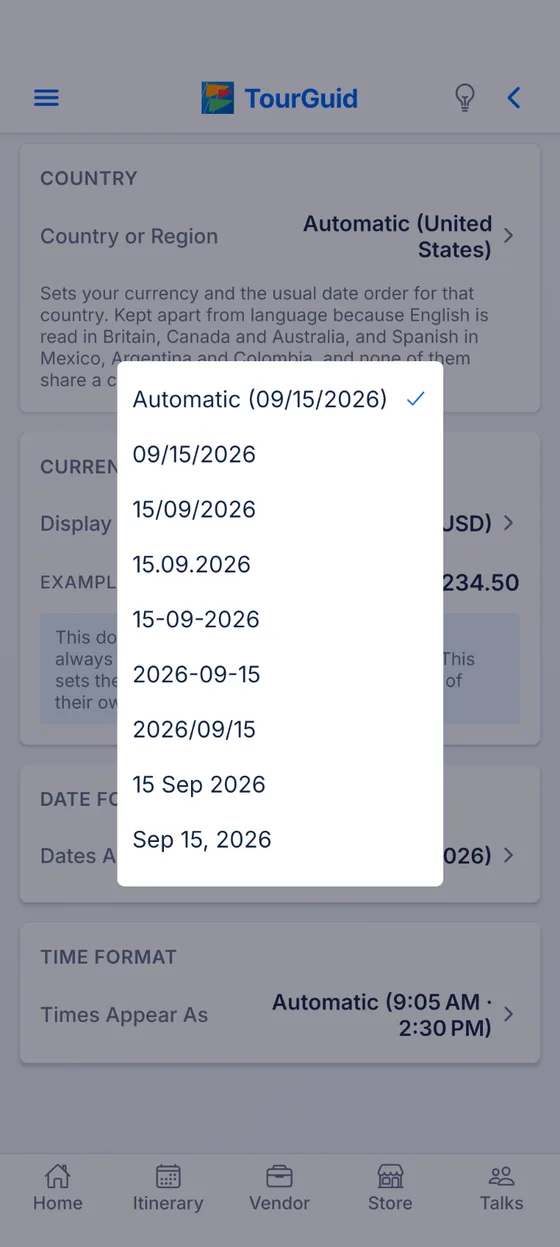
Choose day-first, month-first, year-first, or a written month.
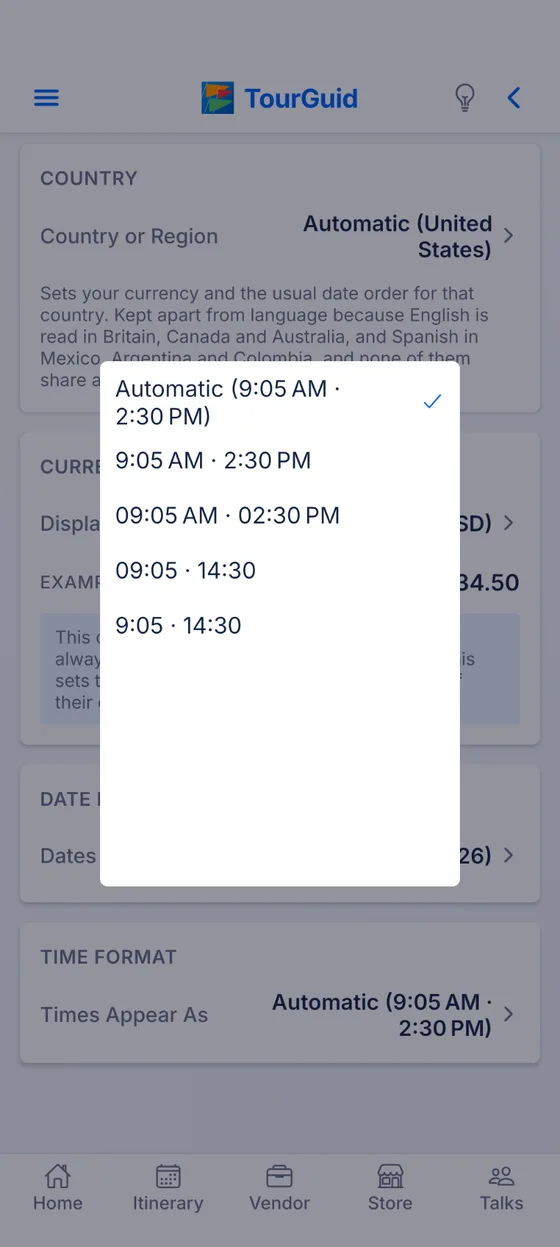
Choose a 12-hour or 24-hour format, with or without leading zeros.
Set the language used throughout the app.
Choose country preferences independently of language.
Select currency display and date and time formats.
Pre-launch test
TourGuid is in pre-launch testing. Join on your phone, plan a real trip with your people, and tell us what needs fixing.
Opens in TestFlight. Install TestFlight first if you don’t have it.
Tap to choose how to join. If Google Play says you’re not eligible, join the tester group first.
Questions or trouble joining? admin@tourguid.net
